Career figures for founder Prageeth across 16 years of SEO work, including projects before TechSpinners.
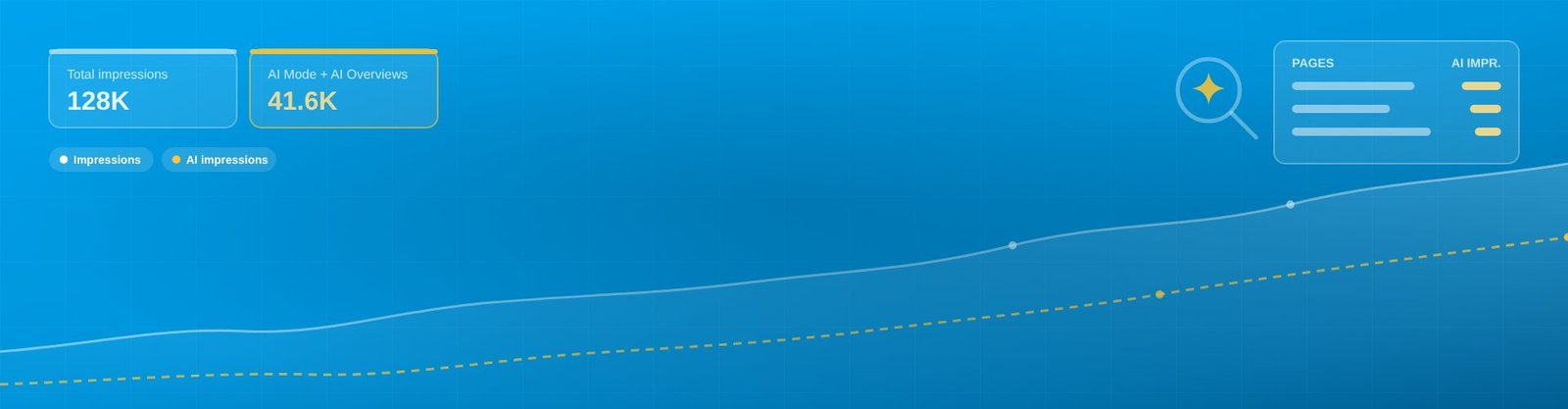
Quick answer: Google Search Console now has a Search Generative AI performance report that shows how often your pages appear in AI Overviews and AI Mode. It shows impressions by page, country, device and date, starting from 18 May 2026. It does not show queries or clicks. Below I explain where to find it, how to read it, and exactly what to do with the data.
By Prageeth P, Senior SEO Engineer and AI SEO Consultant, TechSpinners. Updated 12 November 2026.
Before June 2026, impressions from AI Overviews and AI Mode were mixed into your normal Performance report. You could not tell whether Google showed your page in a blue link or inside an AI answer. The new report separates them for the first time.
It has two parts: Generative AI in Search, covering AI Overviews and AI Mode, and Generative AI in Discover. The AI impressions still count inside your main Performance report too, so your totals do not change. You simply get a clearer view of the AI share.
This matters because AI Mode is now mainstream. Google said at I/O 2026 that AI Mode had passed one billion monthly users. I covered what that means for rankings in my guide to SEO in 2026 and ranking in Google AI Mode.
| Included | Not included |
|---|---|
| Impressions in AI Overviews and AI Mode | Clicks, CTR and average position |
| Pages (URLs) that appeared | Queries or prompts that triggered the impression |
| Country breakdown | Data before 18 May 2026 |
| Device breakdown | ChatGPT, Gemini app, Perplexity or Copilot data |
| Date trends (daily, weekly, monthly) | API access for automated reporting, based on independent tests |
An independent test by Chudi found the report could only be exported manually as a CSV, not pulled through the Search Console API. Plan your reporting around a monthly manual export until that changes.
If you do not see the report, check that you are an owner or full user of the property and that your site has received AI impressions since 18 May 2026.
Sort the Pages tab by impressions. These are the pages Google trusts enough to use in AI answers. Protect them: keep them updated, fast and well linked.
Take your top AI pages and look them up in the main Performance report. A page with high AI impressions but low clicks is being used in answers without sending visitors. These are your best rewrite candidates.
Go to the main Performance report, open the Queries filter, choose Custom (regex) and paste this pattern to show long, prompt-style questions of eight words or more:
^(\S+\s+){7,}\S+$Or use this one for question-style searches:
^(what|how|why|which|who|when|where|best|can|does|is|should)\bThese queries are the most likely to trigger AI answers. Compare their CTR with your short keywords to see how much AI is absorbing.
If you serve India and the UAE, compare AI impressions by country. Google AI Mode answers in Hindi, Malayalam, Tamil, Arabic and more, so a weak country often means you lack content in the local language. For local businesses in Kerala, this is a key part of my work as an SEO expert in Calicut.
Most AI Mode use happens on mobile. If your mobile AI impressions are low, test your pages for speed, layout and content hidden behind tabs or scripts.
Alongside the report, Google introduced a Search Console control that lets site owners exclude their content from AI Overviews, AI Mode and Discover AI features.
My advice for most businesses is simple: leave it off. If you block AI features, competitors fill the answer instead of you. Studies have also found that brands cited inside AI Overviews earn higher organic click-through than brands that are not cited.
The toggle may make sense for publishers whose revenue depends on full article page views, or for content you license. For service businesses, ecommerce and B2B brands, being in the answer is worth more than hiding from it.
Search Console only covers Google. For the rest, create a GA4 exploration with a session source filter using this regex:
chatgpt\.com|chat\.openai\.com|perplexity\.ai|gemini\.google\.com|copilot\.microsoft\.com|claude\.aiThen run a fixed list of 20 to 30 buyer questions through each AI assistant every month and record whether your brand is named. Together with the Search Console report, this gives you a full picture of AI visibility. As an AI SEO specialist in India and AI SEO expert in Dubai, this is the reporting I set up for clients.
Open your property in Google Search Console and look in the Performance section. The Search Generative AI performance report sits there as its own view, with separate tabs for Search and Discover.
Not in the dedicated report. It shows impressions only, by page, country, device and date. AI Mode and AI Overviews clicks are still counted inside your main Performance report totals, but you cannot separate them there.
No. The report shows which page appeared, not the question asked. You can estimate it by filtering your main Performance report for long, question-style queries.
Data starts from 18 May 2026. There is no history before that date, so export a baseline now and compare month by month.
For most businesses, no. Blocking removes you from the answers that billions of searches now show, and brands cited in AI Overviews tend to earn higher click-through. Consider it only if your business model depends on people reading full articles on your site.
No. It covers Google Search surfaces only. Track ChatGPT, Perplexity, Gemini and Copilot separately with GA4 referral segments and monthly prompt testing.
Send me your Search Console AI export, or give me read access, and I will show you which pages AI is using, which ones are losing clicks, and what to fix first. Learn more about my AEO and GEO services in India and in Dubai.
Get Your AI Visibility Check | Chat on WhatsApp | Email hello@techspinners.com
Prageeth P is the founder of TechSpinners and a Senior SEO Engineer and AI SEO Consultant with 16 years of SEO experience. He has worked with 1100+ clients across 17 countries and specialises in Generative Engine Optimization and Answer Engine Optimization. See his SEO case studies.

Get a free review of your website's Google and AI search visibility from Prageeth, with 16+ years of SEO experience.
Chat on WhatsApp See Client Results